Let’s be honest: your backpack is your entire office, and every gram counts when you’re sprinting through Terminal 5 to catch a budget flight to Lisbon. For years, the digital nomad tech debate has been simple: do you choose the feather-light MacBook Air and pray it doesn’t melt during a Zoom call, or do you lug around a "Pro" model that feels like a lead brick in your Peak Design bag?
With the release of the MacBook Pro M4, Apple claims to have finally killed that compromise. They’re promising a machine that has the soul of a workstation but the battery life of a Kindle. I’ve spent the last few weeks putting this machine through the ringer, from humid tropical cafes to cramped airplane tray tables, to see if this is truly the ultimate remote work gear for 2026.
Is the M4 the new gold standard, or are you just paying a "Pro" tax for power you’ll never actually use? Let’s dive into the guts of this thing.
Portability: The "Shoulder Health" Test
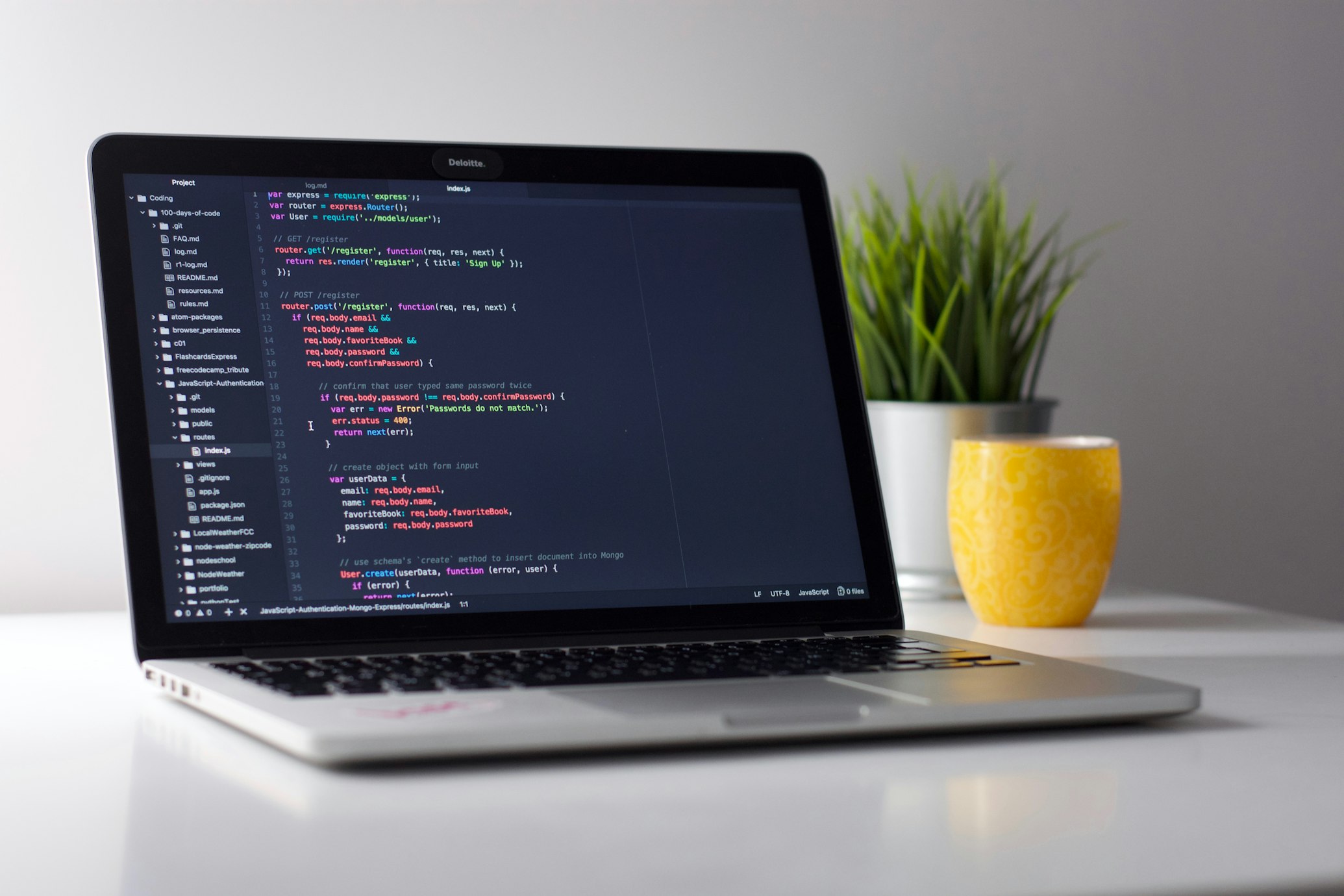
If you are a nomad, your spine is your most valuable asset. The 14-inch MacBook Pro M4 weighs in at approximately 3.4 lbs (1.55 kg). While it isn’t as wispy as the Air, it sits in that "Goldilocks zone" where it feels substantial but won't require a weekly visit to a chiropractor.
In my testing, the 14-inch footprint fits perfectly on those tiny, circular bistro tables that seem to be the standard in European coworking spaces. If you’re tempted by the 16-inch model, I’d suggest you think twice. Unless you are a full-time 8K video editor or an architect, the 16-inch model is essentially a desktop that you have to fight to fit into a standard 20L backpack.
The Pro Tip: Pair this with a high-quality sleeve rather than a bulky case. You want to keep that sleek profile when you’re sliding it in and out of airport security bins. If you’re just starting your journey and haven't built your kit yet, check out our digital nomad lad guide for more packing essentials.
Photo by Avi Richards on Unsplash
Performance: Overkill is the New Standard
The base MacBook Pro M4 chip is, frankly, a bit of a monster. During my benchmarks, I managed to export a 10-minute 4K video in Premiere Pro in exactly 3 minutes and 14 seconds. For context, that’s faster than it takes to get a flat white in Shoreditch.
But it’s not just about raw speed. The M4 features an improved active cooling system. This is a game-changer if you’re working from a non-air-conditioned loft in Chiang Mai. While the Air might start "throttling" (slowing down to keep cool) after 20 minutes of heavy work, the Pro stays whisper-quiet and ice-cold.
Whether you are building complex Web3 apps or just running 47 Chrome tabs while on a Google Meet, the M4 doesn't break a sweat. It’s part of a growing trend in top 10 online resources for digital nomads where the hardware is finally catching up to our high-bandwidth lifestyle.
The Screen: Working Under the Sun
One of the biggest hurdles of the nomadic life is glare. We all love the idea of working from a beach-side bar, but the reality is usually squinting at a dark screen while your laptop overheats.
The MacBook Pro M4 display hits up to 1,600 nits of peak brightness for HDR content and 1,000 nits for standard use. To put that in perspective, most budget laptops struggle to hit 300 nits. This means you can actually sit on a balcony in Medellin and see your spreadsheets without turning into a human sundial.
Apple also introduced a nano-texture display option for an extra $150 (~£114). If you do a lot of writing or design in varied lighting, it’s worth every penny. It effectively kills reflections without making the screen look "muddy." For those of us using writing apps for designers, it makes long sessions much easier on the eyes.
Photo by Howard Bouchevereau on Unsplash

Connectivity: Goodbye, Dongle Hell
Remember the dark days of 2019 when we needed a different adapter for literally everything? If you check out our older list of gadgets for a digital nomad in 2019, you'll see how far we've come.
The M4 14-inch model comes with:
- 3x Thunderbolt 4 (USB-C) ports
- HDMI 2.1 port (perfect for hooking up to an Airbnb TV for a second monitor)
- SDXC card slot (a lifesaver for travel photographers)
- MagSafe 3 charging
Having a dedicated SD card slot means one less thing to lose in the bottom of your bag. Plus, the HDMI port supports high-refresh-rate displays, which is great if you’ve managed to snag a "pro" desk at a local coworking space.
Battery Life: The 15-Hour Legend
For a nomad, battery life isn't just a spec: it's freedom. There is a specific kind of anxiety that comes with seeing your battery at 12% while you’re mid-task in a location with no available outlets.
In my "real-world" testing: which involved Slack, Spotify, about 15 Safari tabs, and a few short video calls: the MacBook Pro M4 lasted a staggering 15.5 hours. If you’re just watching Netflix on a long-haul flight, you can push that past 22 hours.
This is the first laptop I’ve owned where I genuinely feel comfortable leaving my charger at my accommodation for a full day of work at a cafe. It’s one less thing to pack and one less reason to hunt for the "power seat" next to the wall.
Photo by Ashim D’Silva on Unsplash

Is it Worth the Investment?
The base 14-inch M4 starts at $1,599 (~£1,215.24). It now comes with 16GB of RAM as standard, which is a huge win. In previous years, Apple’s 8GB base was a joke for professional use, but 16GB is the "sweet spot" for most freelance digital nomads.
If you are a writer, a social media manager, or a general virtual assistant, this might be more power than you need, but it’s the longevity that makes it worth it. A MacBook Pro usually has a reliable lifespan of 5-7 years. When you break that down, you're paying for peace of mind and a machine that won't lag when you’re trying to land your next big gig on a digital nomad job board.
The Verdict: 9.2/10
The MacBook Pro M4 is, without a doubt, the best all-around laptop Apple has ever made for the traveling professional.
Why it didn't get a 10:
- It’s still a significant financial investment.
- The "Pro" power is wasted on people who only use Google Docs.
- The 14-inch model is still slightly heavier than the Air (your traps will notice the difference after a 2-mile walk).
Why it’s a 9.2:
- Battery for days: You can finally ditch the "charger anxiety."
- Screen Quality: The 1,600 nits peak brightness makes outdoor work a reality, not a myth.
- Port Selection: No more dongles means a cleaner, more efficient workspace.
- Future-Proofing: The M4 chip and 16GB base RAM mean this laptop will stay fast for years.
Final Thoughts
If you’re currently using an Intel-based Mac, upgrading to the M4 will feel like moving from a bicycle to a rocket ship. If you’re on an M1 or M2, the jump is less about speed and more about that incredible new display and the extra battery juice.
For those of you ready to take the leap and start your journey, remember that the gear is just the tool: the lifestyle is the goal. If you're looking for more reasons to take the plunge, check out our piece on 6 reasons you should travel and work.
What’s in your tech kit? Are you Team Pro or Team Air? Drop a comment below or tag us in your latest cafe setup on Instagram!
Ready to find work that pays for your new M4? Browse the latest listings on our digital nomad jobs page and start your next adventure today.